
A demo night is one of the cheapest ways to bring a local startup community together, because the format asks very little of anyone. A handful of founders each show something real for a few minutes, the audience asks questions, and everyone stays to talk afterward. This guide walks through how to run one in the South Bay or Peninsula, from picking a room to what to do in the week after.
South Bay Renaissance, which Tribe organizes, lists demo nights among the programs it supports, along with founders' dinners, AI deep dives and trivia. The advice below comes from how event tools like Luma work and from what the community has run so far, and it is written for a first-time host who wants a room that feels welcoming instead of chaotic.
Decide what the night is for
Before you book anything, pick one clear purpose, such as showing early AI prototypes, giving hardware founders a place to bring a physical product, or letting first-time builders practice a pitch. A narrow theme makes the invitation easy to write and makes the right people show up. Lean toward a small room for a first run, because it is easier to fill and easier to run well.
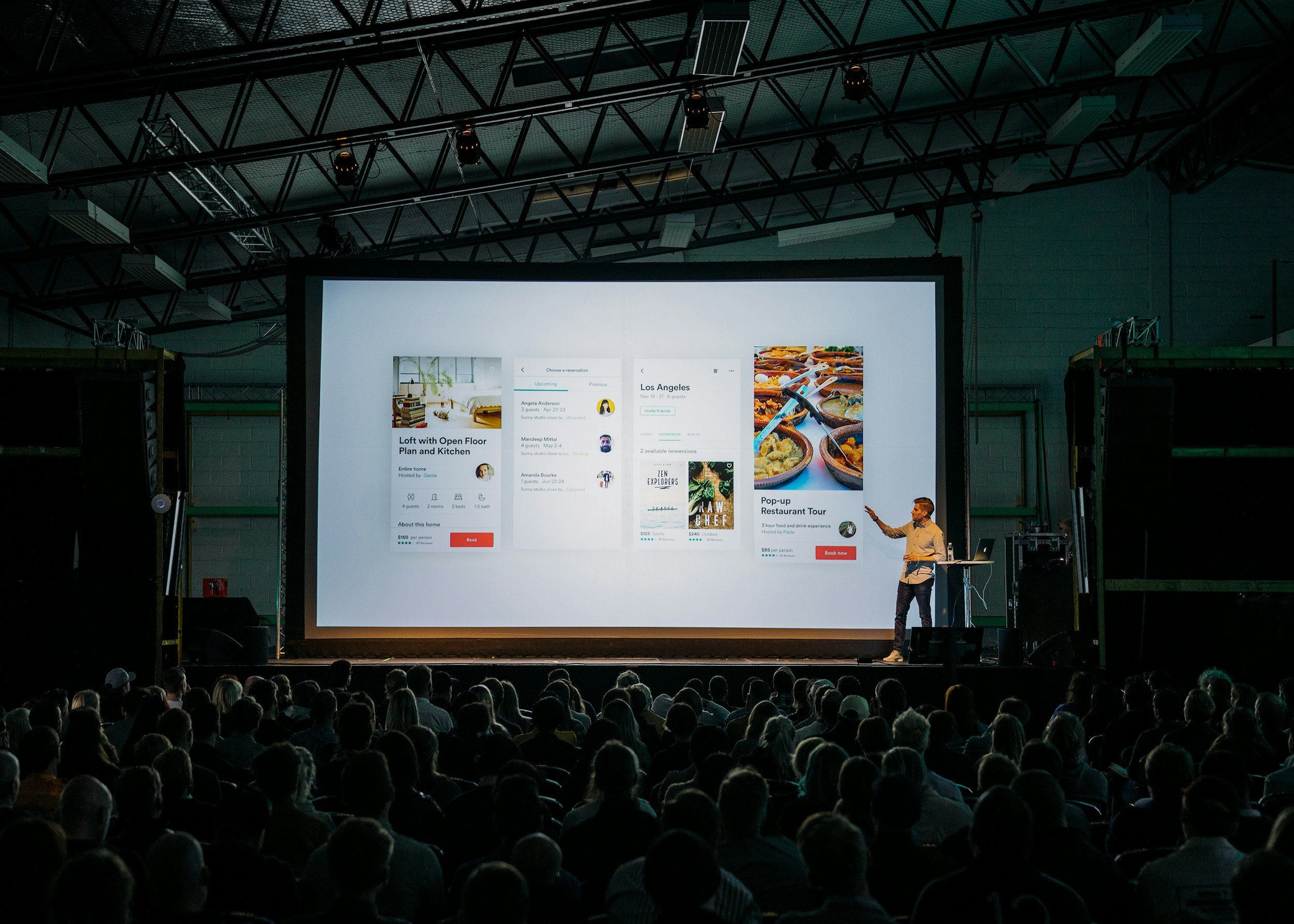
Keep the demo count low. Five to six demos at five minutes each leaves room for questions and a break, and it keeps a weeknight evening from running long. Tell presenters up front that live product beats slides, since the point of the night is seeing something work.
Find a room and fix the date
Look for spaces that already host builders, such as coworking spaces, accelerators, company lobbies and university rooms in Mountain View, Palo Alto, Redwood City or San Jose. Tribe's own Physical AI and Robotics Mixer in Mountain View on Oct 9 was held at Circuit Launch, a good example of a hardware-friendly venue. Ask about projector access, wifi for live demos, power for hardware, and how late you can stay.
Check the community calendar before you choose a date so you do not collide with another event. The shared calendar on the South Bay Renaissance site and the Tribe Events calendar on Luma both show what is already scheduled, and SBR describes a process where you secure a venue, send details to the team, and they set up the Luma page and help promote it.
Set up registration on Luma
Luma's help center documents the settings you will want. On the Creating an event page, registration settings include Require Approval, Set Capacity and Enable Waitlist, and visibility can be Public, Private or Member-Only. For a demo night, a capacity matched to your room plus a waitlist keeps the night from overflowing while still giving latecomers a path in.
Registration questions help you shape the audience. Luma's registration questions guide says hosts can add text, options, company, social profile and other question types, and choose which are required. Asking for company and what someone is building tells you who is coming and who might want to present. The guide also says name and email are always collected and that changes apply only to new registrations, so set the questions before you share the link.
Run the waitlist and approvals
If the room fills, Luma's waitlist documentation says you enable it under Registration by setting a maximum and turning on the over-capacity waitlist. Hosts can then approve or decline waitlisted guests one at a time or in bulk, and waitlisted guests do not count toward capacity. For paid tickets, payment is authorized when someone joins the waitlist and captured only if you approve them.
Approval is also useful for quality. A short approval step lets you keep the mix balanced between builders, investors and curious newcomers, which makes the conversations after the demos better for everyone.
Message guests before and after
Luma lets hosts send updates to registered guests from the event page. Its guide to sending or scheduling event blasts says blasts go out from the Blasts tab, default to guests with Going status, can be filtered by status and ticket type, and can only be sent within 7 days after the event ends. That last limit matters, because it means your thank-you note and slide links need to go out within the week.
Send a reminder the day before with the address, parking notes and the demo order. Send a follow-up afterward that lists each presenter and where to find their product, so the night keeps working for the founders who showed up.
Keep the room friendly
SBR lists a few values that translate well to any demo night: open to newcomers, honest about whether an event is paid, free or sponsored, and family friendly where stated. A simple rule such as one question per person per demo keeps Q&A moving, and a host who introduces people during the social hour makes first-timers feel at home.
Plan the last 30 minutes as open mingling, since that is where most introductions happen. For a smaller format that also brings builders together, see our guide to hosting a founder dinner in the Bay Area, and our overview of South Bay and Peninsula founder events in November shows what the local calendar looks like right now.
Find your people
If you are planning a demo night and want company while you do it, the SBR group chat is where South Bay and Peninsula builders connect. Follow the Tribe Events calendar on Luma to see what Tribe is hosting next, and use our piece on finding a co-founder in the South Bay and Peninsula to meet the people you might build with.
